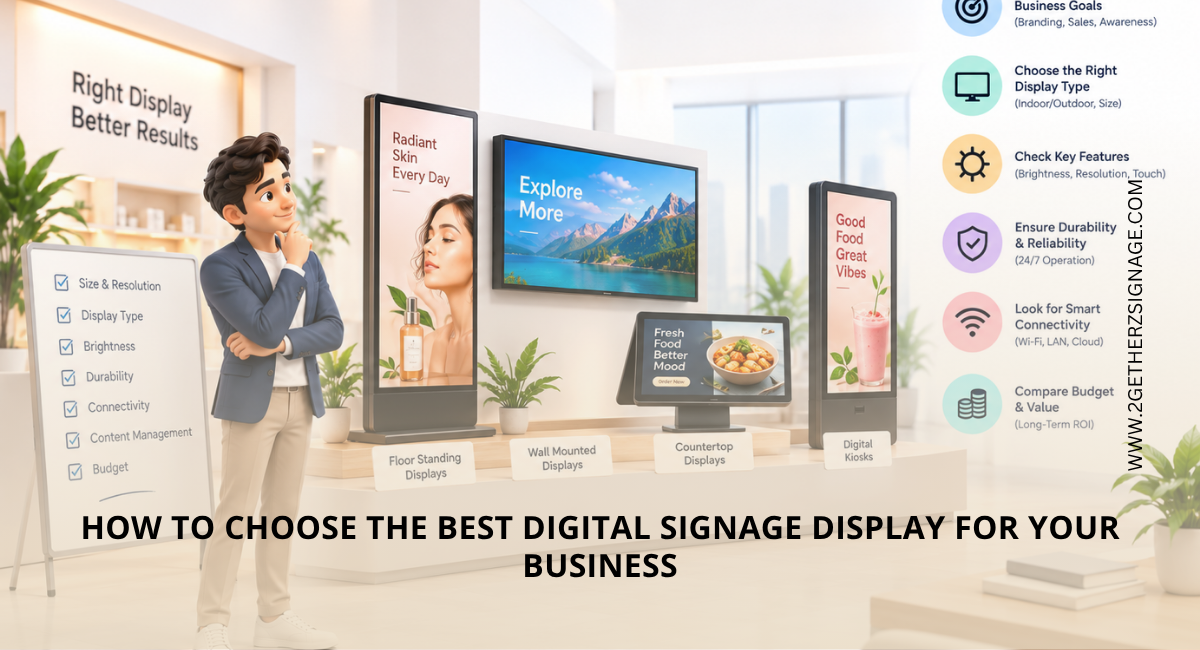
Digital signage has become an effective and engaging way for businesses to communicate promotions, product information, announcements and brand messages. However, choosing the best digital signage display for business requires more than selecting a screen based on size or price. Brightness, viewing distance, operating hours, placement, connectivity, durability and warranty can all affect performance.
Whether you need digital signage in Delhi NCR for a retail store, office, hotel or other commercial space, the right display should match your environment and content requirements.
Quick Summary
- Choose screen size according to viewing distance and available space.
- Select commercial-grade displays based on your required operating hours.
- Consider brightness and an anti-glare display screen for bright environments.
- Decide between wall mount, floor standee and table-top placement based on your location.
- Check connectivity, media player compatibility and content management requirements.
- Compare warranty and after-sales support before purchasing.
Key Factors to Consider When Choosing a Digital Signage Display
- Start With Where and How You Will Use the Display: The first step is identifying the purpose of your signage. A screen used for indoor promotional content may have different requirements from one placed near a storefront or reception area.
|
Business Use |
Recommended Considerations |
|
Retail stores |
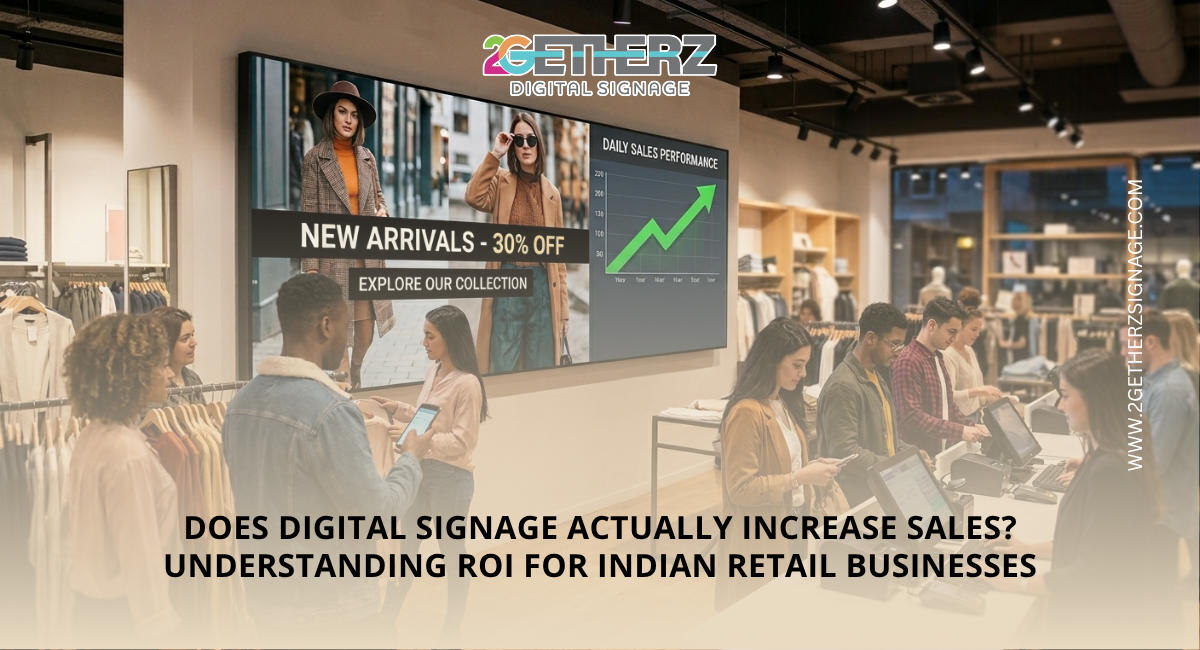
High brightness, clear visuals and promotional content |
|
Offices |
Reliable operation, presentations and announcements |
|
Hotels |
Professional appearance, easy content updates and suitable operating hours |
|
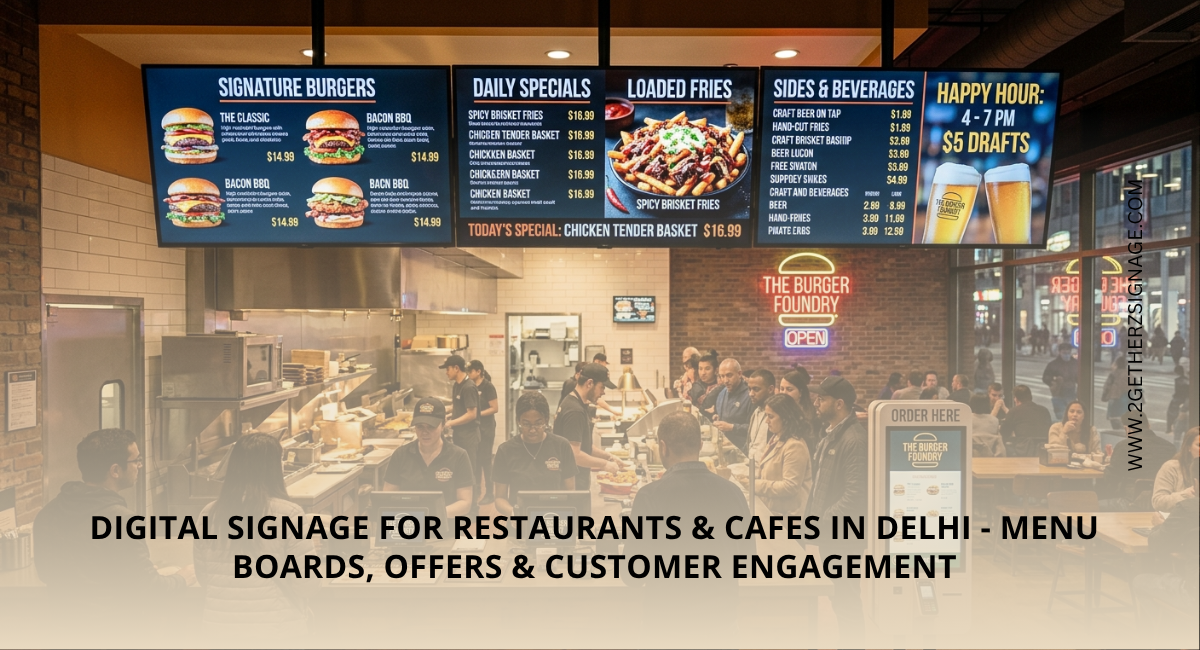
Restaurants |
Bright displays, menu visibility and easy content management |
|
Reception areas |
Appropriate screen size and viewing angle |
For businesses using digital signage in Delhi NCR, also consider local lighting conditions, dust, installation location and whether the display will be used indoors or in a semi-outdoor environment.
- Choose the Right Screen Size: There is no single screen size that works for every business. The right size depends mainly on viewing distance, available wall or floor space and the amount of information displayed.
For example, a compact screen may work well at a reception desk, while a larger display may be more suitable for a retail entrance or hotel lobby.
Avoid choosing an unnecessarily large screen simply because it offers a bigger viewing area. The display should be large enough for comfortable viewing without overwhelming the space.
- Check Brightness and Glare: Brightness is particularly important when the display is exposed to the strong indoor lighting or daylight. A high-brightness commercial display can make content easier to see in such environments.
An anti-glare display screen can also reduce reflections from lights and windows. This is useful for storefronts, reception areas and other locations where reflections could affect visibility.
If your display will face direct sunlight, check the manufacturer’s recommended brightness and installation conditions rather than relying only on screen size or resolution.
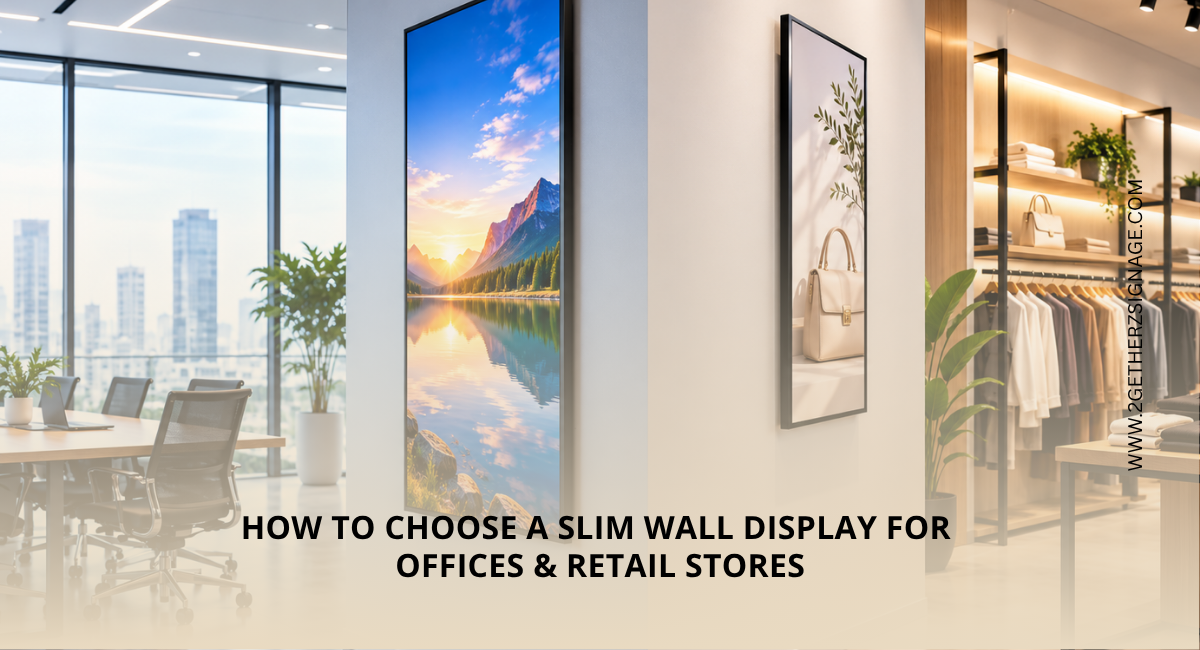
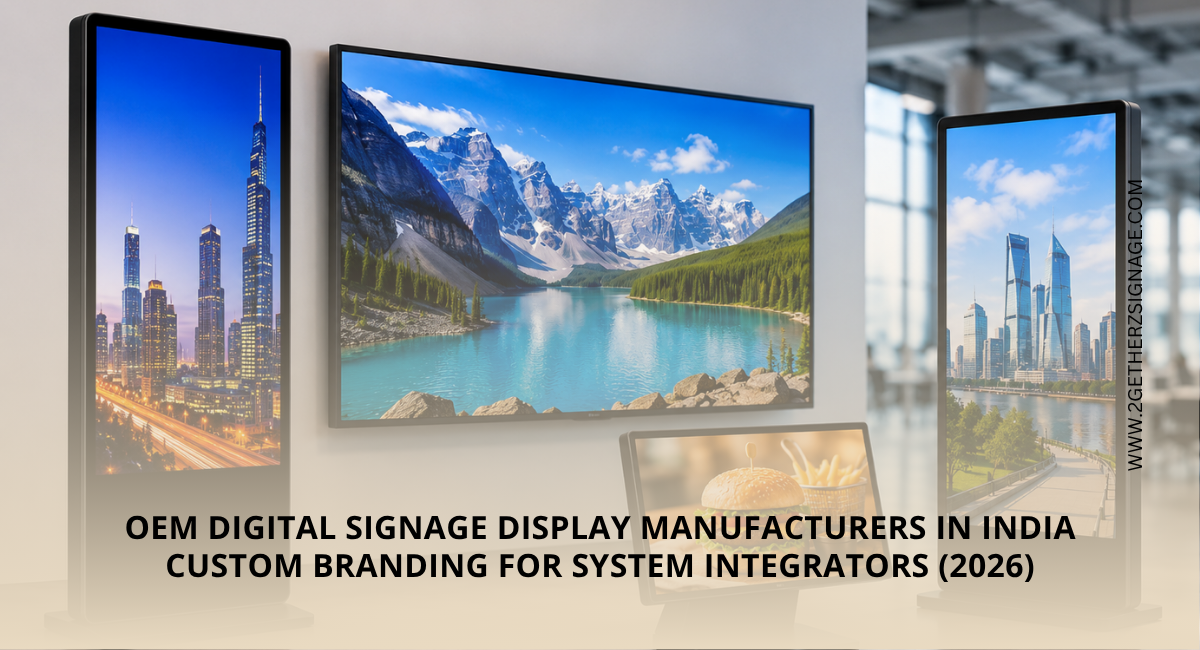
- Decide Between Wall Mount, Floor Standee and Table Top: Placement basically affects the visibility, appearance and available space.
- Wall mount: Suitable when you want a clean, space-saving installation.
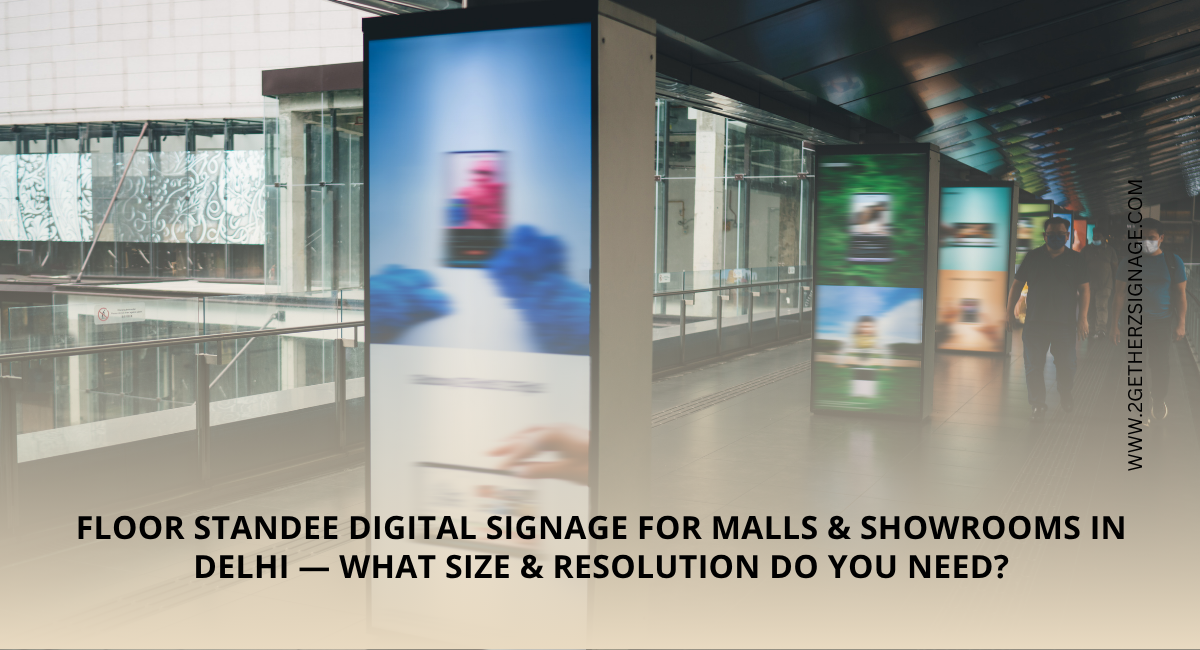
- Floor standee: Useful for entrances, promotional campaigns and locations where wall mounting is not practical.
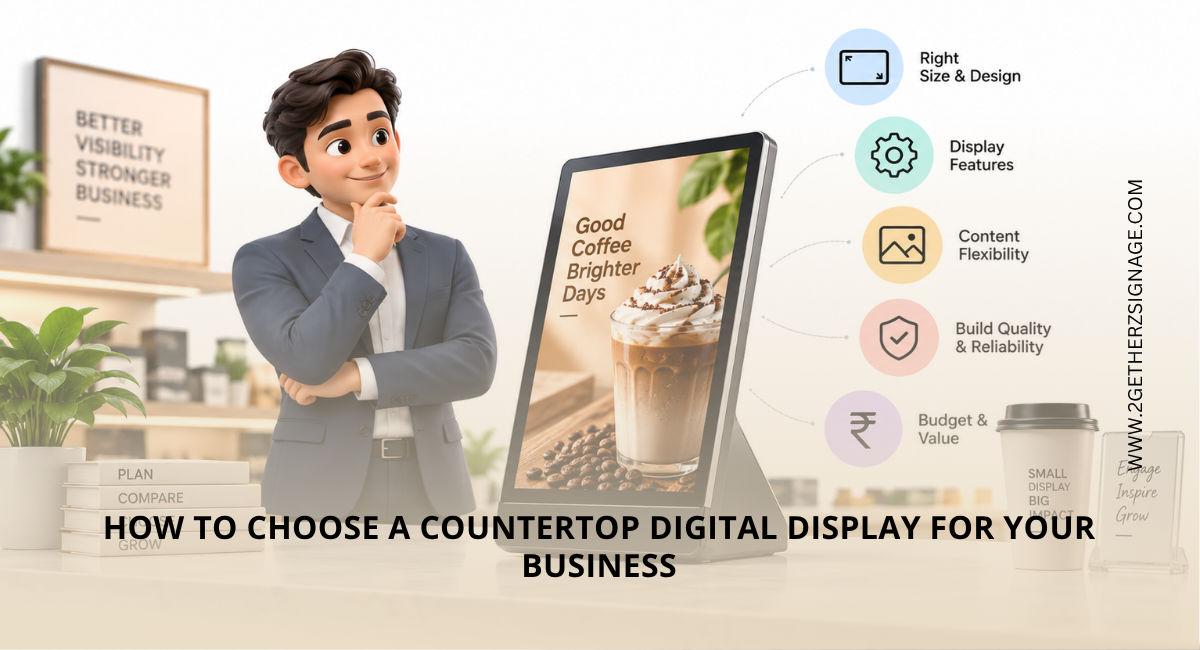
- Table top: Suitable for reception desks, counters and compact information displays.
When comparing wall mount vs floor standee vs table top, consider customer movement, viewing height, available floor space and whether the display needs to be moved frequently.
- Consider Commercial-Grade Displays: One of the most important commercial displays buying tips is to distinguish between consumer TVs and commercial displays.
Commercial signage displays are designed for business environments and may provide features such as scheduled operation, professional connectivity, remote management and extended operating capabilities. However, operating hours vary by model, so always check the manufacturer’s specifications before assuming a display is suitable for 24/7 use.
Brands such as Samsung offer dedicated digital signage and commercial display solutions. Samsung’s current business display portfolio includes Smart Signage, LED Signage and Commercial TVs and Monitors, with different products designed for different business applications.
When considering Samsung digital signage, compare the exact model specifications, including brightness, resolution, operating hours and connectivity.
- Check Connectivity and Digital Signage Player Compatibility: A good display should work smoothly with your content delivery system. Before purchasing, check whether the screen supports the required HDMI, USB, LAN, Wi-Fi or other connectivity options.
The digital signage player is also important because it delivers content to the screen. For a single-screen setup, a compatible media player may be sufficient, while businesses managing multiple screens may benefit from a centralized content management system.
Some commercial signage displays also include built-in platforms that can reduce the need for an external player. For example, Samsung’s Smart Signage range includes models with its built-in signage platform, while Samsung also offers MagicINFO for signage content and device management.
Before purchasing, confirm that the display and player or built-in platform is compatible with your preferred content management system.
- Think About Content and Operating Hours: The display should match how frequently you plan to update content and how long it will operate each day.
For example, a retail business may regularly change the promotional content, while an office may primarily display the announcements and corporate information. Hotels may need multiple screens showing different information across different areas.
If your signage operates for the long hours, check the manufacturer’s specifications for recommended operating conditions and duty cycle. Some Samsung signage models, for example, are rated for 24/7 operation, while others have different operating-hour specifications.
- Don’t Ignore Warranty and After-Sales Support: A digital signage warranty can become important if the display is used commercially for extended periods. Compare the warranty duration, coverage and service terms before making a purchase.
Also consider the availability of technical support and replacement or repair services. A slightly cheaper display may not provide better value if obtaining support becomes difficult.
For businesses investing in digital signage, choosing a supplier that understands commercial display requirements can make the purchasing process easier.
What Is the Best Digital Signage Display for Business?
The best digital signage display for business is one that matches your viewing distance, environment, operating hours, content requirements, installation method and budget. Instead of choosing purely by screen size or price, compare brightness, connectivity, commercial-grade specifications, warranty and support.
Looking for the right commercial display for your business? 2Getherz Digitech can help you evaluate display options based on your space and signage requirements.
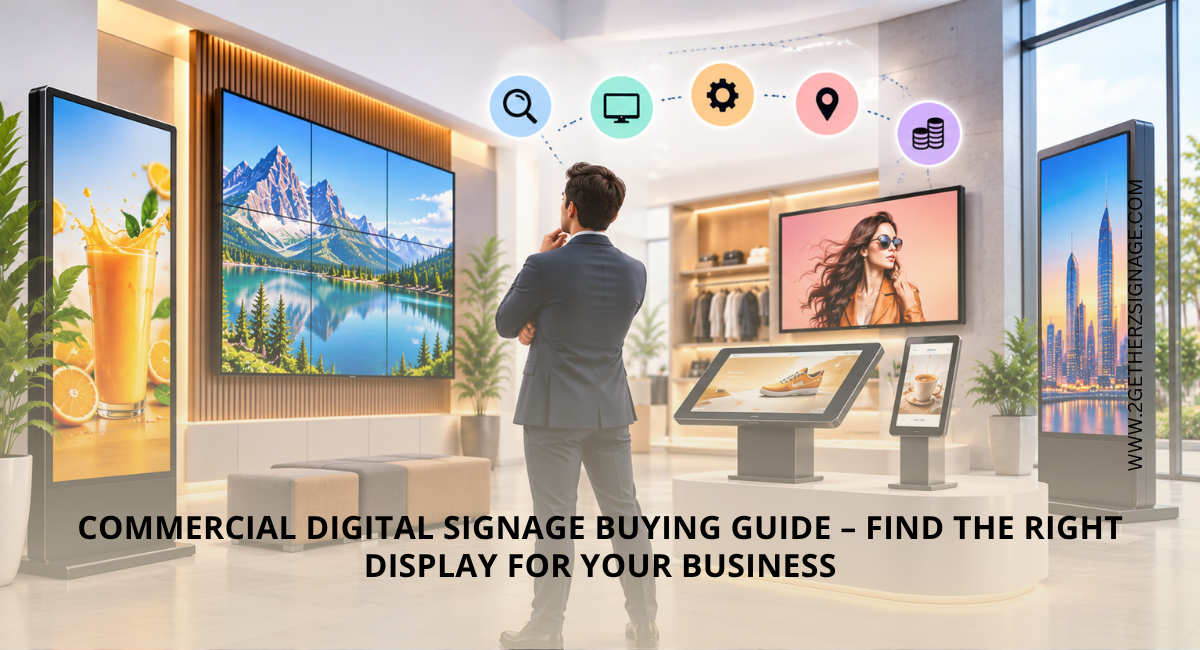
| Read More: Commercial Digital Signage Buying Guide – Find the Right Display for Your Business |
Frequently Asked Questions
- What is the best digital signage player for business use?
The best player basically depends on your content management system, number of screens, connectivity and management requirements. For simple setups, a compatible media player may be sufficient, while businesses managing the multiple displays may benefit from a centralized digital signage platform. Some commercial displays also have built-in signage platforms, which can reduce the need for an external player.
- What size display is best for digital signage?
The ideal size basically depends on viewing distance, content and available space. Larger displays are generally suitable for entrances and larger areas, while smaller screens can work well at counters, reception desks and compact spaces.
- What are the current trends in digital signage?
Key trends include cloud-based content management, remote screen monitoring, interactive displays, data-driven content, high-resolution screens and more personalized digital experiences.
- How do I make my screen anti-glare?
You can choose a display with an integrated anti-glare surface or use a compatible anti-glare screen protector. Proper and accurate positioning away from direct light and windows can also reduce the reflections.
- Which type of display is used in Samsung?
Samsung uses different display technologies depending on the product and application. Its business portfolio includes LCD-based UHD Smart Signage as well as direct-view LED signage, along with Commercial TVs and other professional displays. Samsung’s Smart Signage range includes UHD 4K, Neo QLED 8K, video wall, outdoor and interactive options. The appropriate display depends on the viewing distance, environment, content and business requirements.