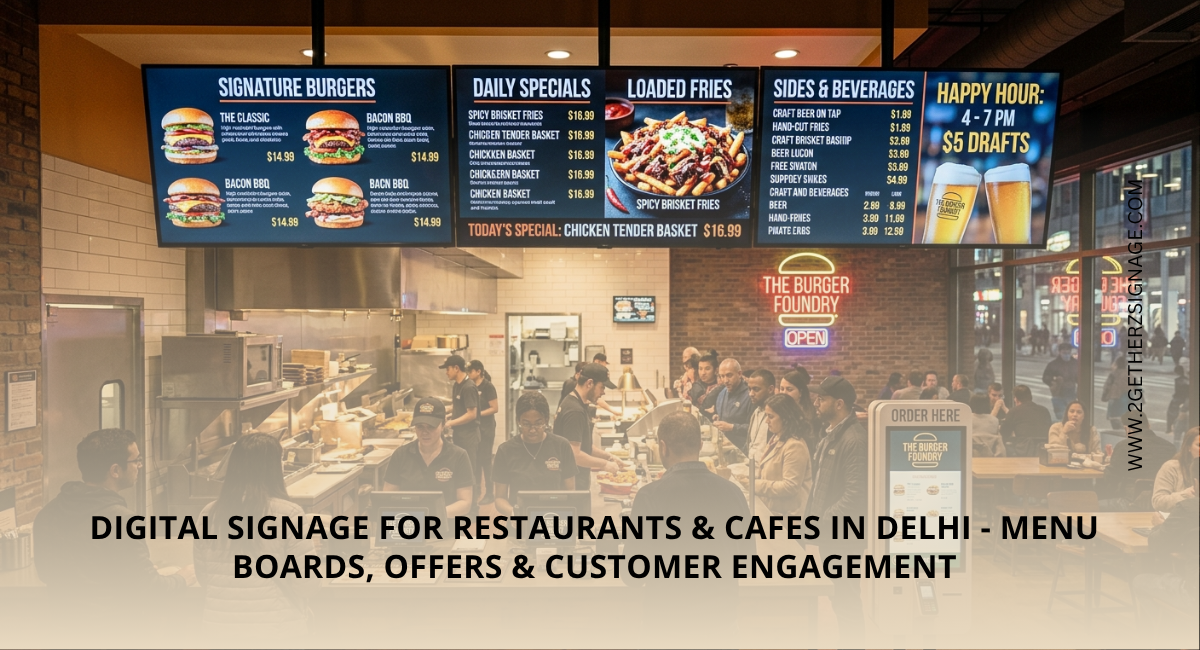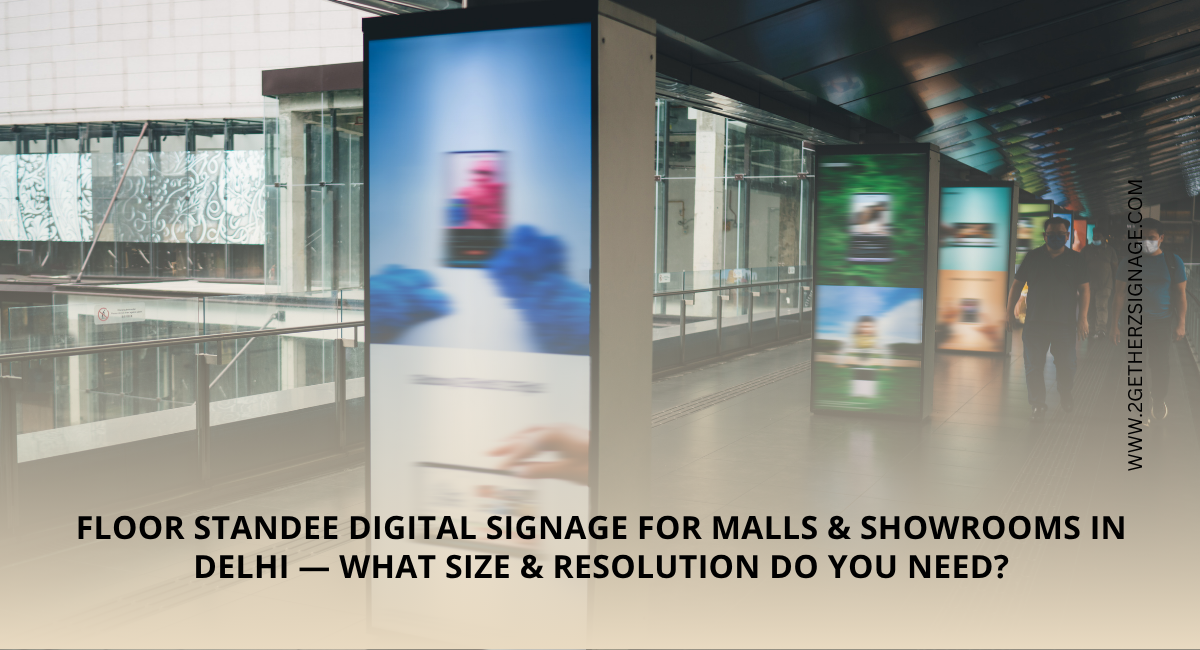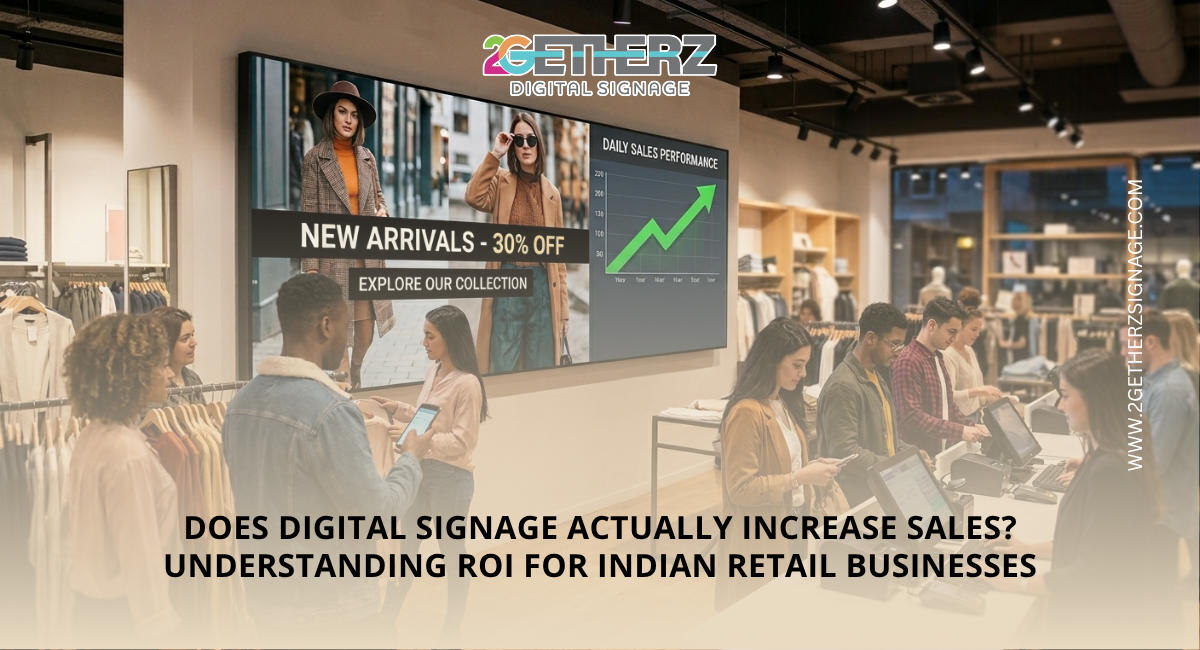


A tabletop digital display is a compact screen placed on a counter, reception desk, restaurant table or product display area. It can show menus, offers, product videos and branded messages where customers make decisions. However, the best tabletop digital display is not simply the most expensive model. It should match your location, content needs and operating hours.
Quick Summary
Choose a commercial-grade screen with suitable brightness, resolution, content management and connectivity. Also check its viewing angle, warranty and supplier support.
Why Use Tabletop Digital Signage?
Tabletop digital signage offers a flexible alternative to printed posters and menu cards. A restaurant can promote an upgrade, a clinic can explain services and a retail counter can demonstrate products.
A countertop digital display is useful where floor or wall space is limited. Its close viewing position helps a small unit deliver a focused message.
Match the Display to Its Purpose
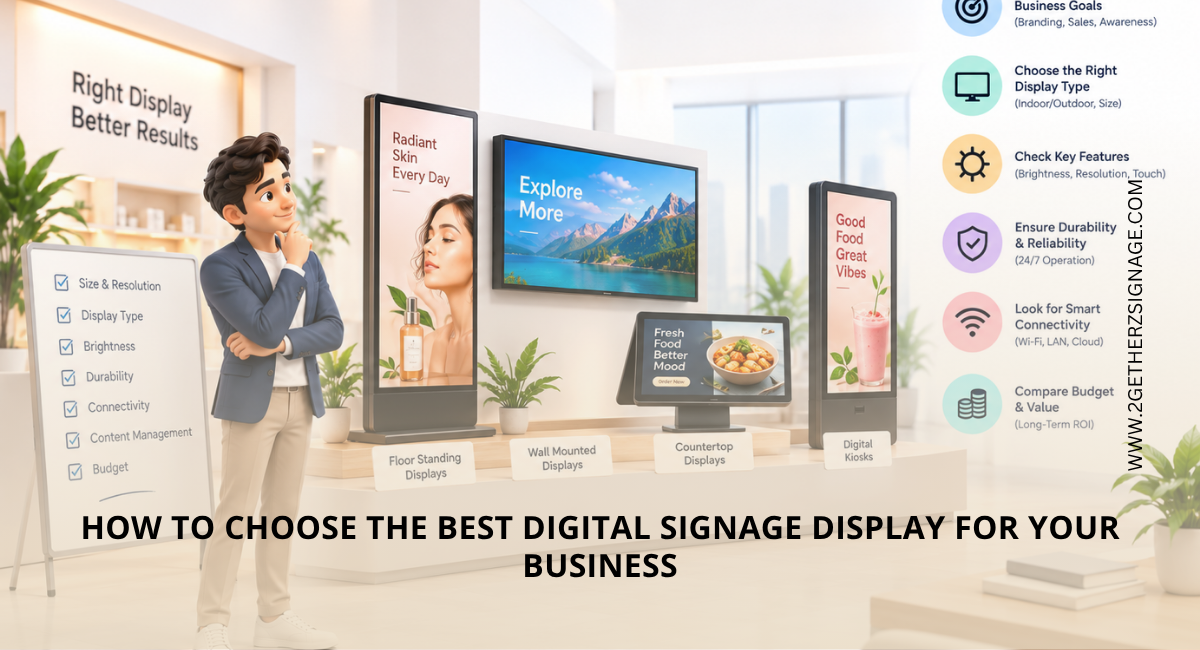
First, decide what the screen must achieve. A promotional loop may need only image and video playback. A catalogue, ordering screen or visitor check-in point may require touch, Android or web-app support.
Business use | Useful features |
Retail counter | Bright screen, product video and portrait mode |
Restaurant or café | Easy menu updates and scheduled content |
Reception desk | Professional design and continuous playback |
Exhibition booth | Portable body, sound and USB playback |
Interactive kiosk | Touchscreen, Wi-Fi and app compatibility |
Key Factors to Consider When Choosing a Table Top Digital Display
Select the Right Screen Size and Orientation
Choose a size that remains readable without taking over the counter. Check its dimensions, stand depth and available placement area, not only the diagonal measurement.
Portrait suits menus and price lists, while landscape works well for demonstrations and conventional videos. A dual-orientation model provides greater flexibility.
Check Brightness, Resolution and Viewing Angle
Ambient light affects visibility. A screen beside a window usually needs the greater brightness than one in a softly lit reception. Full HD is practical for most of the small commercial screens because text and images remain sharp.
A wide viewing angle enhances visibility from the different positions. Request a demonstration under the lighting similar to your premises.
Choose Commercial-Grade Hardware
Consumer tablets and televisions may not suit the long daily operation. Commercial units commonly offer the stronger enclosures, scheduled power and reliable continuous playback. Confirm rated operating hours and the warranty conditions.
When considering ViewSonic digital signage or another commercial display range, assess the individual model rather than relying on the brand name. Compare specifications, support and total cost.
Review Content Management and Connectivity
USB playback may suit one screen, while Wi-Fi or cloud-based management is more practical for the multiple locations. Useful capabilities include: –
- Remote content updates
- Playlists and the scheduling
- Split-screen layouts
- Automatic start-up and looping
- HDMI, USB, Wi-Fi or Ethernet connectivity
- User permissions for multiple staff members
If you plan to grow from one display to a commercial-scale network, confirm that the software can manage multiple screens centrally without replacing the hardware.
Consider Installation, Support and Total Cost
Consider the stand, media player, software subscription, installation, warranty and after-sales support. The best tabletop digital display supplier should explain what is included and provide compatible content specifications.
Before approving an order, request an itemised quotation and confirm delivery time, replacement policy and support coverage.
Also verify whether the supplier provides branded enclosures, portrait setup and content assistance for campaigns.
2Getherz Digitech can help you compare tabletop display options according to your space, content and business goals.
| Read More: Best Digital Signage Supplier in India for Bulk & Corporate Orders |
Conclusion
The right digital display for business combines clear visibility, reliable hardware and simple content control. Define the use case, test the screen and choose a supplier that can support expansion. This turns a tabletop advertising display into a practical sales and communication tool.
Frequently Asked Questions
- Which digital signage display is the best?
The best display is a commercial-grade model suited to the viewing distance, lighting, operating hours, content format and management method of the business.
- What is the best digital standee in India?
There is no single best model. Compare screen brightness, resolution, build quality, software, warranty and local service before selecting a standee.
- What are the current trends in digital signage?
Key trends include cloud-based management, interactive touchscreens, data-led content, remote monitoring, energy-efficient hardware and more personalised campaigns.
- What are the different types of digital displays?
Common types include tabletop displays, wall-mounted screens, digital standees, touch kiosks, menu boards, video walls and indoor or outdoor LED displays.
- How much does a digital signage display cost?
Cost depends on screen size, brightness, touch capability, software and installation. Obtain an itemised quote because a basic playback screen and an interactive commercial unit can differ substantially in price.